
Today we begin a new journey in using a 3D program to create computer generated imagery. We will be using Autodesk's Maya, a cutting edge program widely used in the entertainment industry. We will begin with the basics and move on to more complex projects such as creating 3D models, and adding lights, textures and cameras and animating them and move on to more complex tasks such as merging video and 3D together with motion tracking.
Maya Basics:
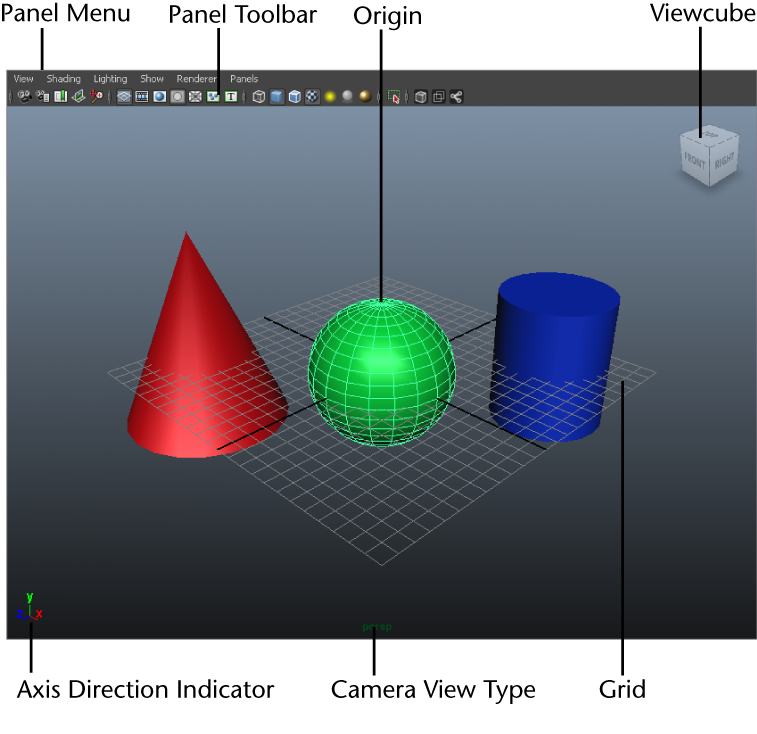
Find and launch Maya on your computer, then open each of the links below in safari. Read through each page of the 3 lessons below and try out the steps for your self in Maya. These lessons will teach you how to use the Maya interface, how to create and manipulate objects and how to control your objects and your view of your objects. Create something with the skills you develop here post screen shots of your progress..
Task: As you work through the tutorials, take screenshots of the objects and scene you make and post them to your blog. When you have completed the tutorials try modeling something, either from your imagination or from a reference image, using the skills you learned.


No comments:
Post a Comment
Note: Only a member of this blog may post a comment.